Touch switch reset function
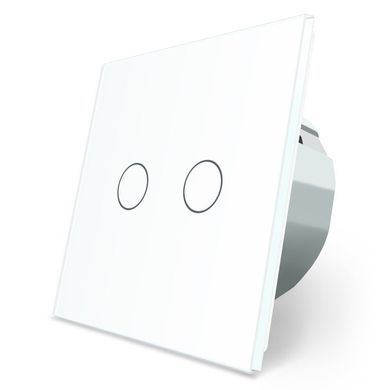
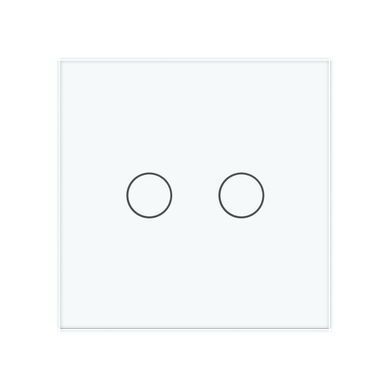
The touch switch with reset function operates in mode #2, the contact is closed only when touching the sensor.
Features
- Switch with reset function;
- Can be used with any light source from 1 watt to 1000 watts;
- Sensor illuminated in blue and red colors;
- Horizontal or vertical installation;
- Up to 5 units can be installed in one frame;
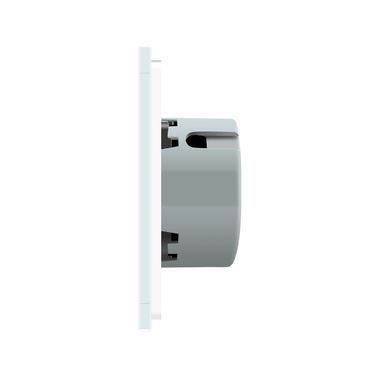
- Can be installed in both standard and deep mounting boxes;
- Secured to the mounting box with screws;
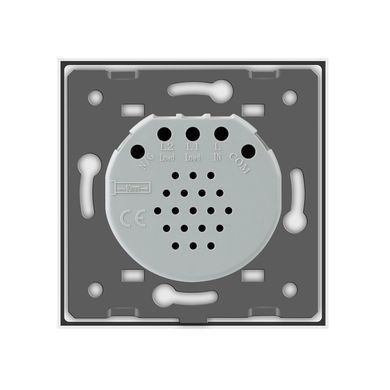
- Easy and quick installation using screw connection;
- Used with a toughened glass frame.
Areas of application
-
Master switch: Can be used to turn off the lights in the entire apartment with a single switch. It can be connected to a home automation system to control lighting, ventilation, security systems, and more.
-
Multi-location dimming: The master switch can be used in conjunction with an impulse DIM relay to control lighting from multiple locations. For example, you can have several points in the apartment where you can turn off or adjust the brightness of the lights.
-
Doorbell: Can be connected to a sound system.
-
Control of other devices: The master switch can be used to send a 220-volt pulse to various devices where needed. For example, it can be used to control electromagnetic locks, relays, automatic on/off systems, and more.
Master button or master switch
With the master switch, you can simultaneously turn off the lights, television, socket with an iron, and other devices, saving you time from checking each socket individually. And most importantly, there's no feeling of something being left behind, like wondering, "Did I turn off the iron?"
Wiring diagram of the master switch
Implementation of a master switch using a contactor
2 way dimer
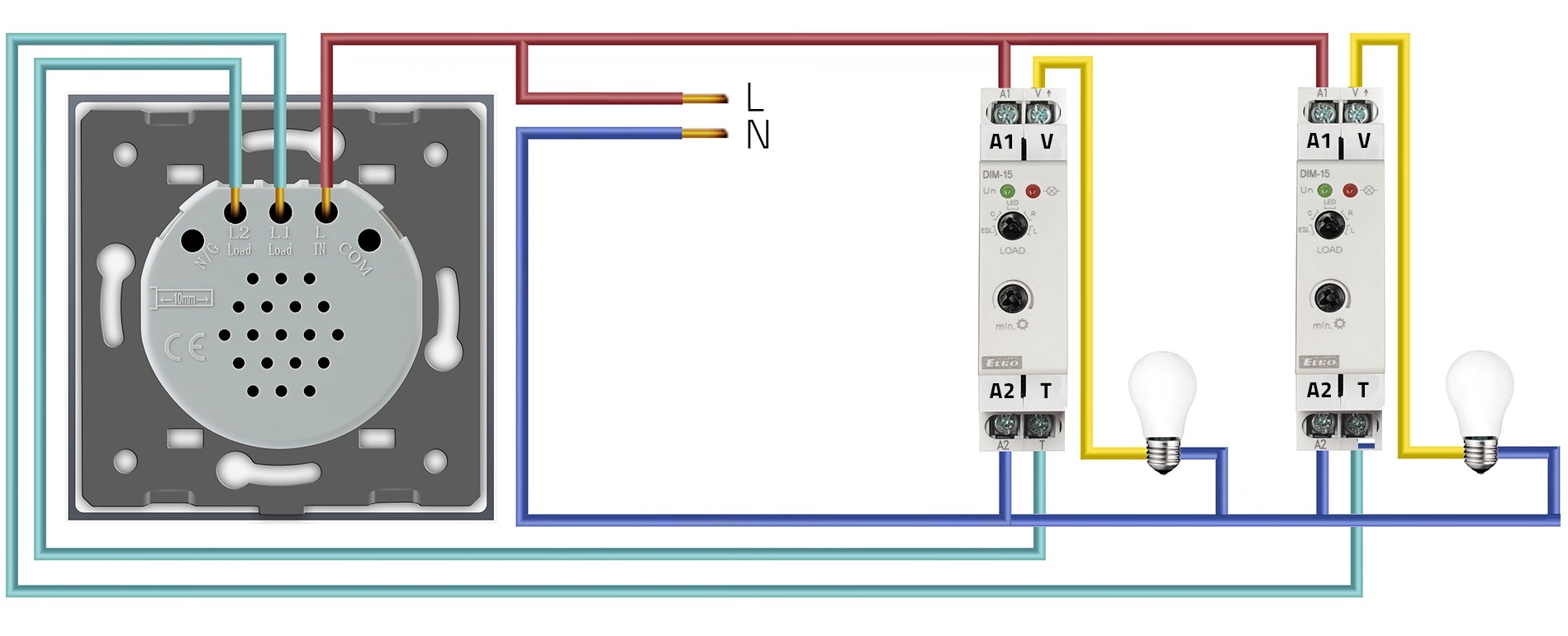
It allows you to adjust the brightness of the lights from multiple locations using non-fixed switches and dimmer relays.
In the specified system, non-fixed switches are used. The dimmer relay, responsible for changing the brightness of the lights, waits for impulses from the switches. The switches are connected in parallel, so when at least one of them is turned on, the impulse is transmitted to the dimmer relay, which adjusts the brightness of the lights accordingly based on the received impulse.
The wiring diagram of adjusting the brightness of the light from two places
Using switch with reset function and DIM-15 Dimmer (002470290).
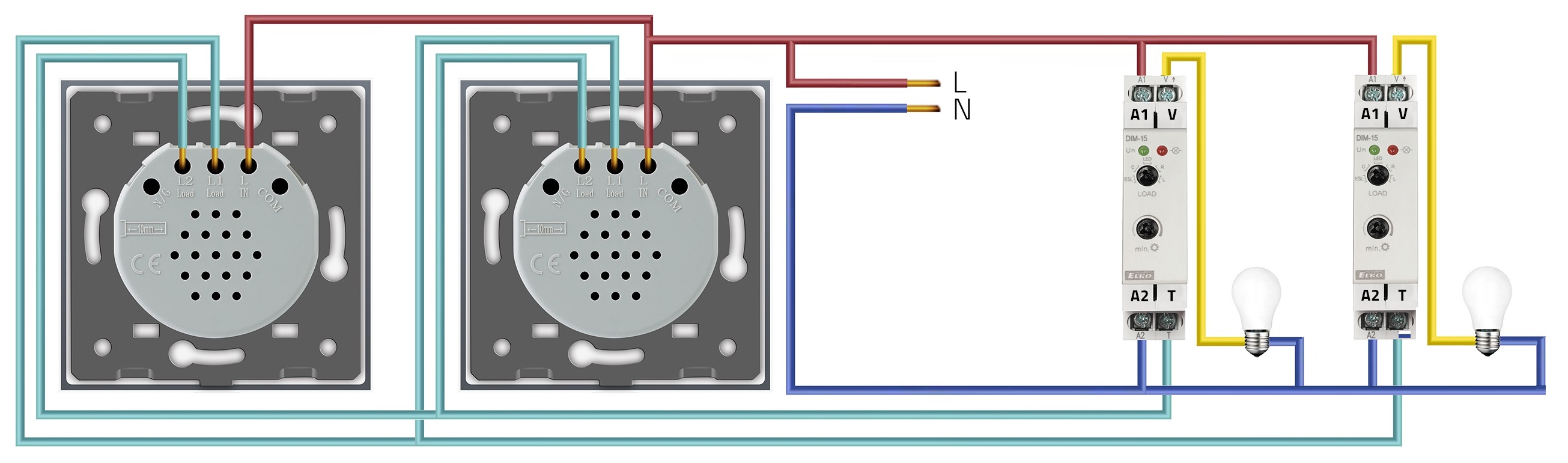
* To implement brightness adjustment from three or more places, you need to increase the number of switches with reset function.
** In some cases, if the switch does not ON a relay, an adapter must be installed between the blue and blue wires (S and N terminals of the relay, phase and neutral)
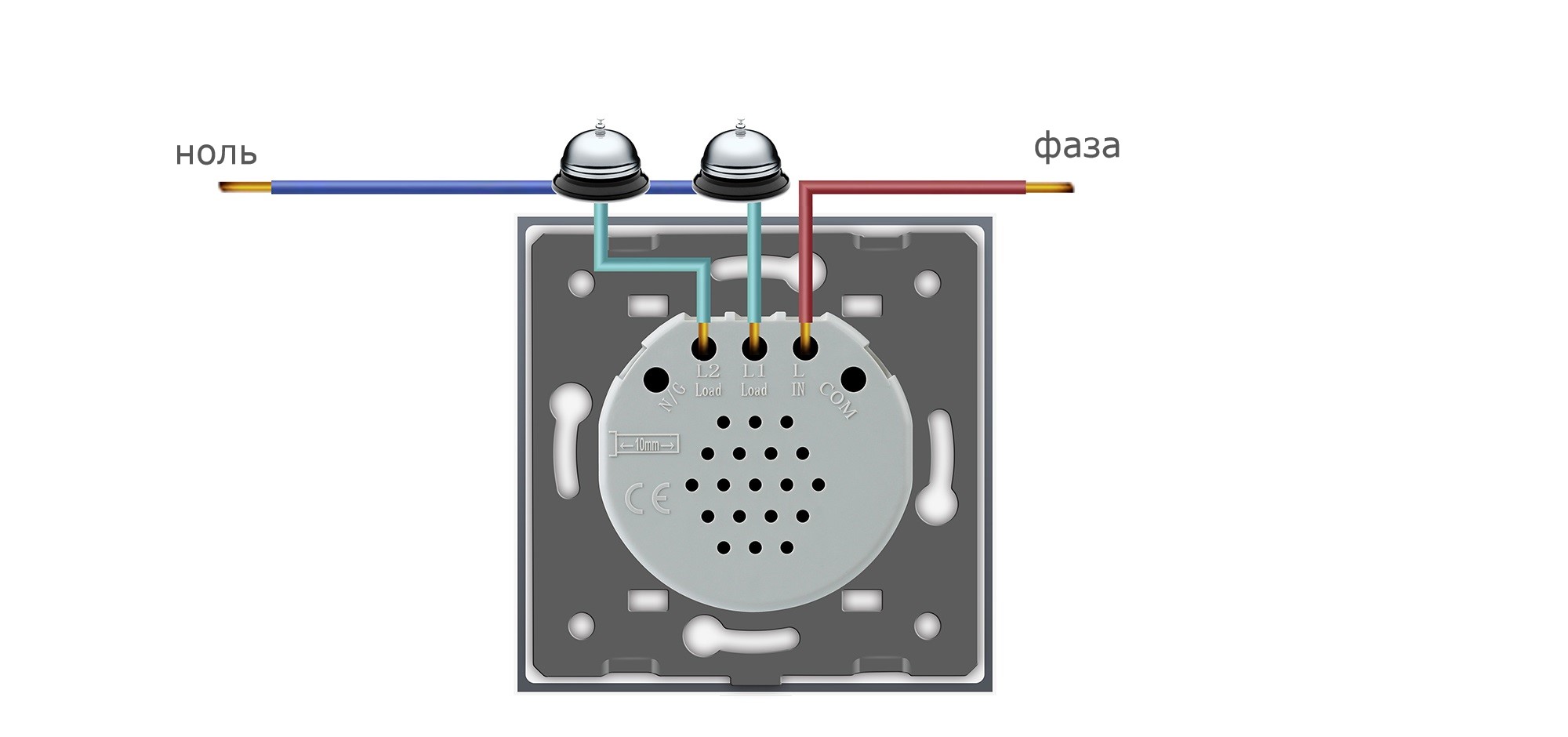
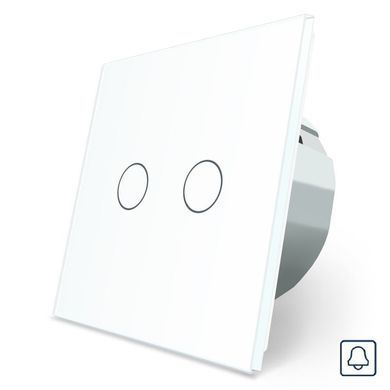
Door bell button
The doorbell button is designed for convenient control of the doorbell. Its usage is simple and straightforward. Just press the button to activate the doorbell and announce your presence.
Size
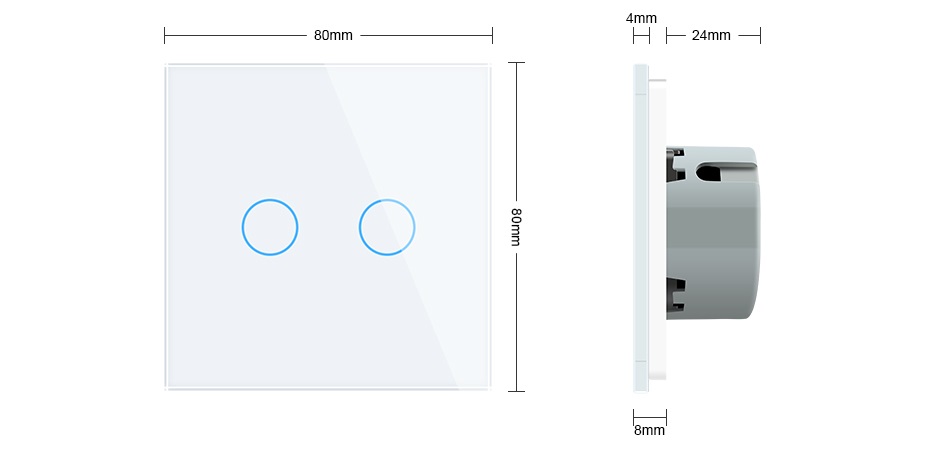
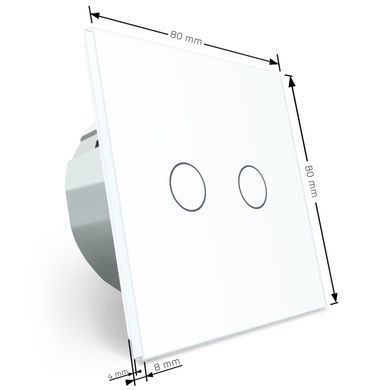
The dimensions of 80*80 mm allow for the installation of the doorbell button in mounting boxes of any construction standards commonly used in our country. This greatly facilitates the DIY installation of the doorbell, without the need for drilling or other complicated operations.
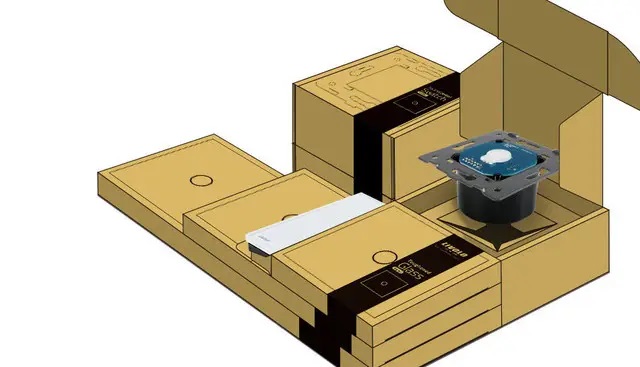
Supply set
- Touch switch with reset function Livolo;
- Screws for fastening;
- Instruction;
- Box;
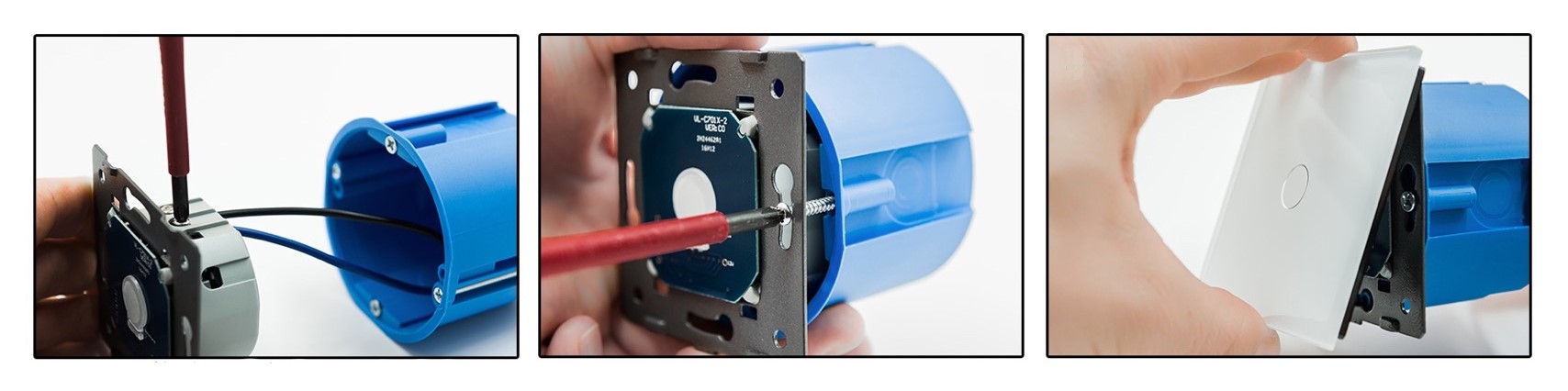
Installation instructions:
- Turn off the power supply.
- Connect the switch according to the wiring diagram.
- Secure the switch to the socket using screws.
- Install the touch panel.
- Restore the power supply.
- The switch will start working after a 15-second delay.






 Pickup from the branch from UAH 70
 Delivery to the post office from UAH 50
 Courier to the address from UAH 100
 Pickup from the branch from UAH 30


 Online by Visa or Mastercard
 Payment by parts PrivatBank
 Hire Purchase monobank
 Payment by IBAN details
 Payment upon receipt
 Warranty - 5 years
 Returns within 14 days
 Exchange within 30 days
 Accumulative discount