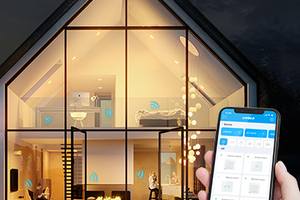
Seamless Smart Home installation allows you to integrate smart home systems without any renovation. There’s no need to drill walls or tamper with the wiring. This is especially relevant for families with children or elderly people, as many would find prolonged presence of strangers uncomfortable.
When installing a smart home system, there’s no need to make radical changes to your space. Modern technologies are designed to help and bring more comfort to everyday life.

How to Install Without Renovation
The principle is simple — you install sockets, switches, and other devices just like regular ones, but they’re “smart” — interacting based on predefined algorithms. For their operation, you need to install a central hub that functions as the control center.
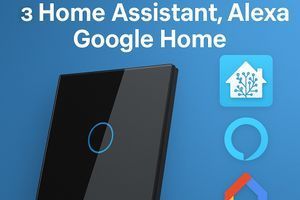
Next, choose the devices that will be part of your home system. These can include lighting automation tools, heating devices, and sensors for motion, temperature, humidity, and more. Make sure they are compatible with your hub and platform (Google Home, Amazon Alexa, etc.).
Now, it’s time to connect the devices. For example, you can install a smart relay switch to control several devices, or Wi-Fi-enabled smart sockets and accessories. To connect everything and set up automation scenarios, download a smartphone app like Amazon Alexa.
Why Smart Home Installation Doesn’t Require Renovation
The main advantage is that all devices in the system are wireless. Data is exchanged using Wi-Fi, Bluetooth, or ZigBee protocols.
This means your smart home setup doesn’t require:
- laying cables,
- preparing the space in advance,
- drilling,
- changing wall finishes, etc.
For example, when using Wi-Fi, some gadgets can connect directly to the router. It’s essential that the control hub and all devices share the same network. This is how devices like thermostats operate.
You can use standard mounting boxes to install electrical fittings, allowing you to easily replace traditional sockets and switches with smart versions without significantly altering the space. They can be controlled not only via smartphone apps or hubs but also with remote controls.
ZigBee is another popular wireless protocol. It’s an energy-efficient standard that creates a reliable network. A central hub is also required in this case, acting as a relay. Compatibility is crucial — for instance, there are specific ZigBee switches for Home Assistant.
What Is an Automation Hub?
It’s a central control unit that manages the entire smart home system. It uses wireless technology to communicate with devices and automate operations. The hub acts as a transmitter, sending commands and processing data.
Main functions of the hub include:
- Connecting all devices like switches, sockets, sensors, etc.,
- Enabling centralized control through a single interface and allowing automation scenarios,
- Ensuring smooth interaction with the system,
- Gathering and transmitting environmental data such as humidity, temperature, motion, and light levels.
The hub is also responsible for executing configured functions. For example, it can turn on lights when you enter your home or start heating automatically.
Therefore, the hub is the key component of any smart home. It unites all selected and existing devices into a single system. Wireless protocols make this possible without drilling, heavy tools, or running cables.
Which Devices Can Be Connected to an Automation Hub?
To build a smart home without renovation, it’s convenient to buy equipment from the Livolo online store. Their products work remotely through smart modules. Let’s look at the main device types.
Switches
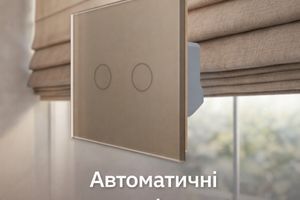
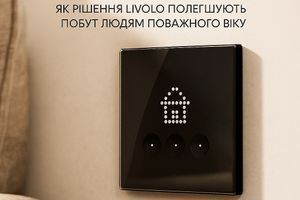
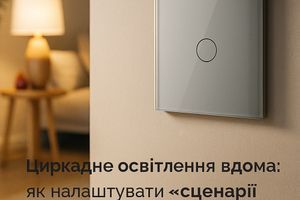
These are wireless models that allow remote light control and scheduling. They have a backlight at night, making them easy to locate in the dark.
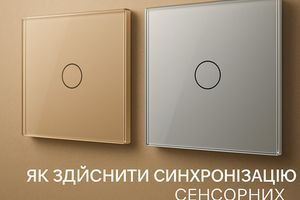
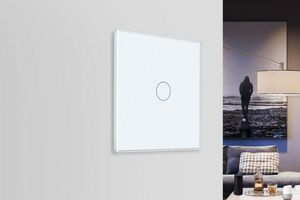
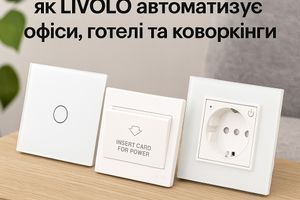
Some switches also include a socket in the same unit, and the backlight helps you find them in low light. You can also buy touch switches that:
- Respond to hand or finger contact,
- Work even with wet hands,
- Are suitable for humid environments,
- Can be controlled remotely.
Touchless switches are easy to install, taking only minutes to replace standard ones. No need to alter wall finishes — just choose a matching color.
Sockets
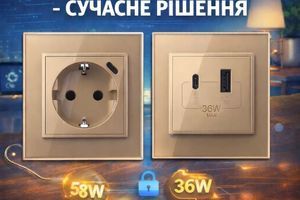
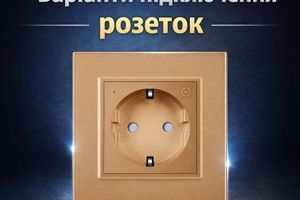
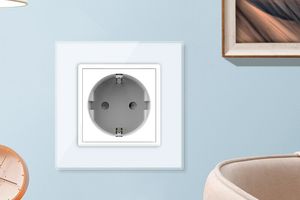
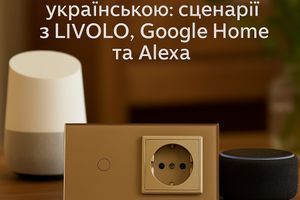
These mount onto standard recessed sockets and are Wi-Fi controlled. You can check if appliances are turned off via an app after leaving home. Smart sockets can be controlled from a smartphone, by touch, or voice assistant.
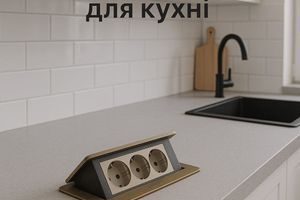
Sockets can automatically control power to appliances. You can, for example, schedule your coffee machine to start in the morning. Combo sockets are also available, including ports for TV, internet, etc.
Thermostats
These devices manage your heating system to maintain a comfortable temperature regardless of outdoor weather. Remote control expands their functionality. Wi-Fi thermostats use external sensors and can:
- Maintain a set temperature constantly,
- Follow a scheduled heating plan,
- Adjust temperature depending on occupancy.
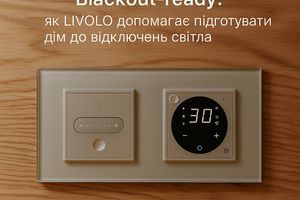
A thermostat can be installed together with a socket and switch in a single frame, giving full functionality without touching wiring.
Electric Curtain Tracks
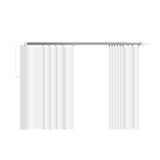
These are part of the lighting system. Electric curtain rails open and close curtains automatically. You can program a morning scenario for waking up with sunlight, and an evening one for a cozy, quiet environment.
Also available are automatic roller blinds that work on a timer. They can be installed anywhere and adjusted to your room’s layout and style.
Security Solutions
A smart home can include a quality security system. Install motion or light sensors around the perimeter. If triggered, an alarm sounds, and the owner receives a notification.
Sensors can be tuned not to react to small animals, minimizing false alarms. Smart lighting can be implemented without drilling, saving energy by turning on/off based on activity.
How Setup Works
You don’t need to buy and install all devices at once. A key advantage of smart homes is flexibility — the system can be expanded over time. Start with basic devices, and later add curtain controls, thermostats, etc.
Before setup, purchase the devices, install the hub, and place system components as needed. Then install a compatible app. Add the devices you want to control.
Now you can create automation scenarios for curtains, lighting, heating, and appliances. Test everything and adjust if necessary. Optionally, set up a voice assistant — the devices are compatible.
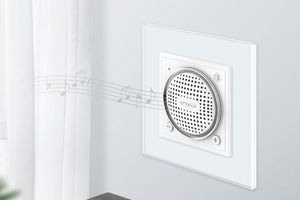
The assistant can set reminders, control devices, play music or audiobooks, and answer household questions via Google. It can even chat casually.
Simple smart home systems that require no complex installation are reliable helpers that ensure comfort and safety — especially for the elderly, children, and frequent travelers. Livolo’s high-quality devices, properly configured, make everyday life easier, more energy-efficient, and more comfortable.